
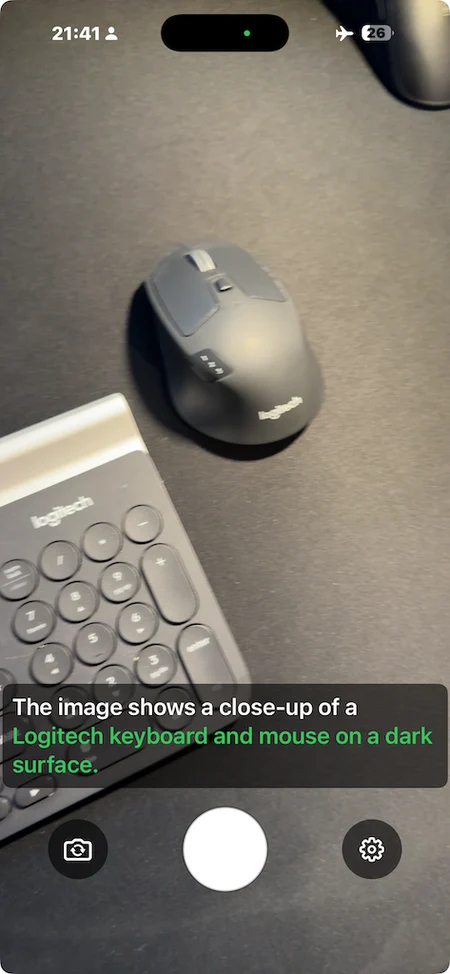
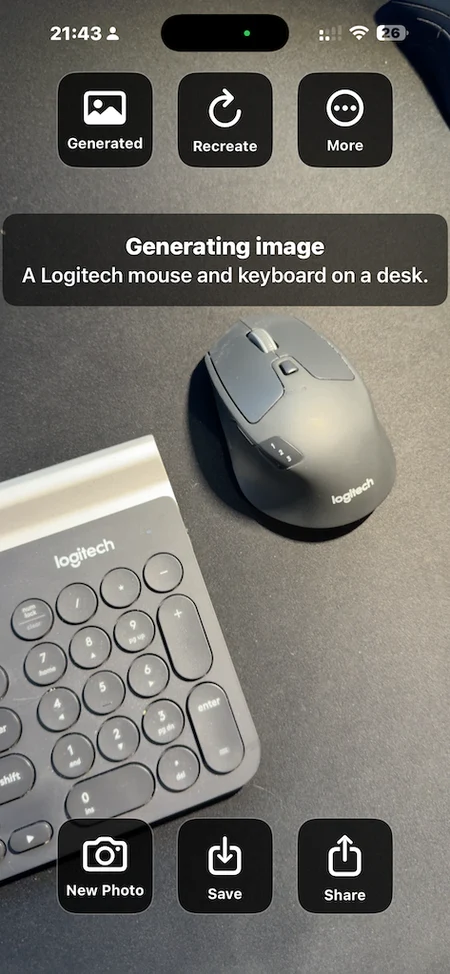
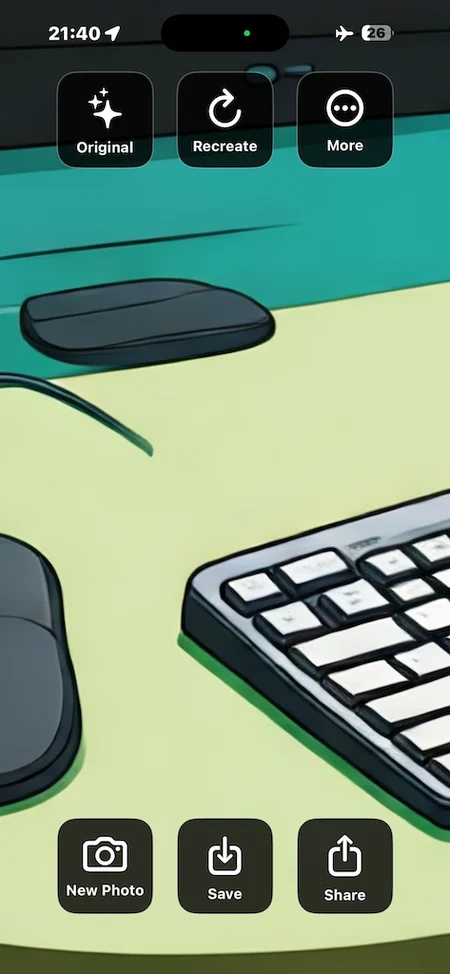
Take a picture, read how the AI describes it, and use those words to generate a different picture. GenAICam lets you follow that loop on your iPhone. Once the models are installed, you can put the phone in airplane mode and keep experimenting. Your photos and descriptions are processed on the device.
From camera to canvas
Apple’s FastVLM turns the camera view into a written description. Try the same scene from a different angle and compare what the model notices. For the return trip from words to pictures, GenAICam supports on-device Stable Diffusion and Apple’s Image Playground on compatible devices.
Open source
I built GenAICam for fun as a proof of concept with OpenAI’s Codex. The project is open source. You can explore the code and read the story of how it came together. GenAICam on GitHub · Development story
Inspiration and attributions
Masaru Mizuochi’s Lingcam, presented at CVPR 2025 AI Art, inspired the experiment. Apple’s FastVLM project provided the starting point for its on-device vision model. Lingcam · CVPR presentation · FastVLM paper
Open source and Software Licenses
The project builds on Apple’s FastVLM. The repository documents its dependencies and software licences. GenAICam README · Apple’s FastVLM repository · Apple Image Playground
Disclaimer
This project is provided as is, without warranty of any kind. Use at your own risk. No guarantees are made regarding accuracy, reliability, or fitness for any purpose. By using this app, you agree that the developer is not liable for any outcomes, damages, or issues arising from its use.
Support
For help, email genaicam@pizzato.cc. The GenAICam privacy policy explains how the app handles photos, descriptions and generated images.